
Falcon Bus Multi-Ticket Booking
Select multiple travel dates, choose seats, and prepare one checkout.
1. Choose Route
2. Return Trip
3. Select Dates
Tap dates directly on the calendar. Tap again to remove a date.
4+ seats
1–3 seats
Full / not selectable
SunMonTueWedThuFriSat
4. Select Seats
Choose the first trip seat first. After that, the first section will close into a small summary and the return seat section will open.
First Trip Seat
Select seat for first trip
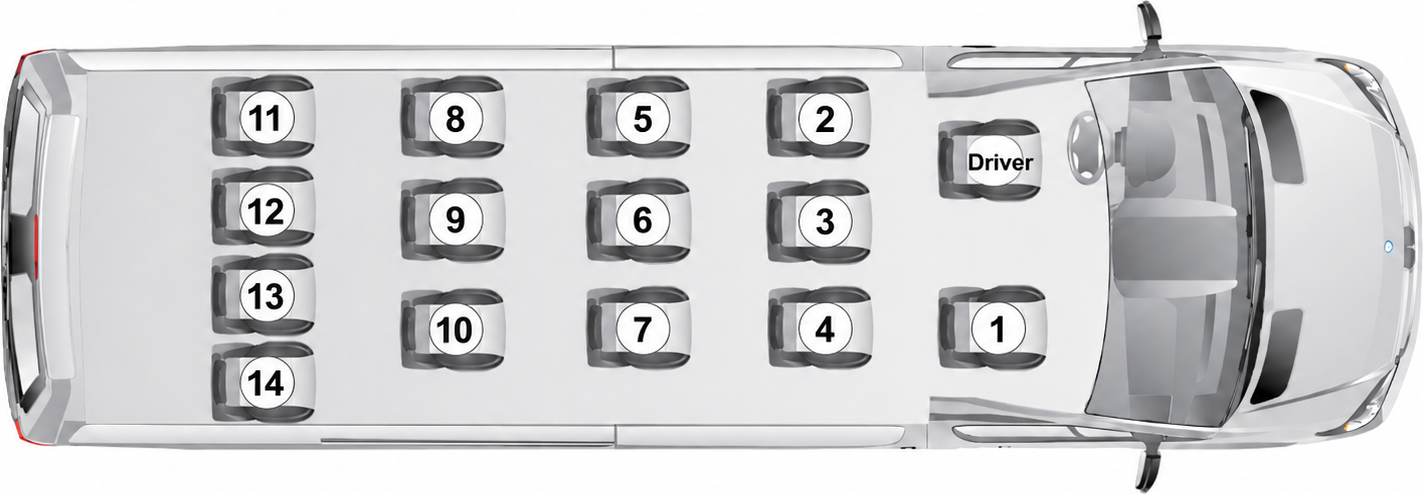
Return Trip Seat
Select seat for return trip
Available
Selected
Not available
5. Summary
This page checks live seat availability and sends your selected ticket package to checkout.